Flux Convert
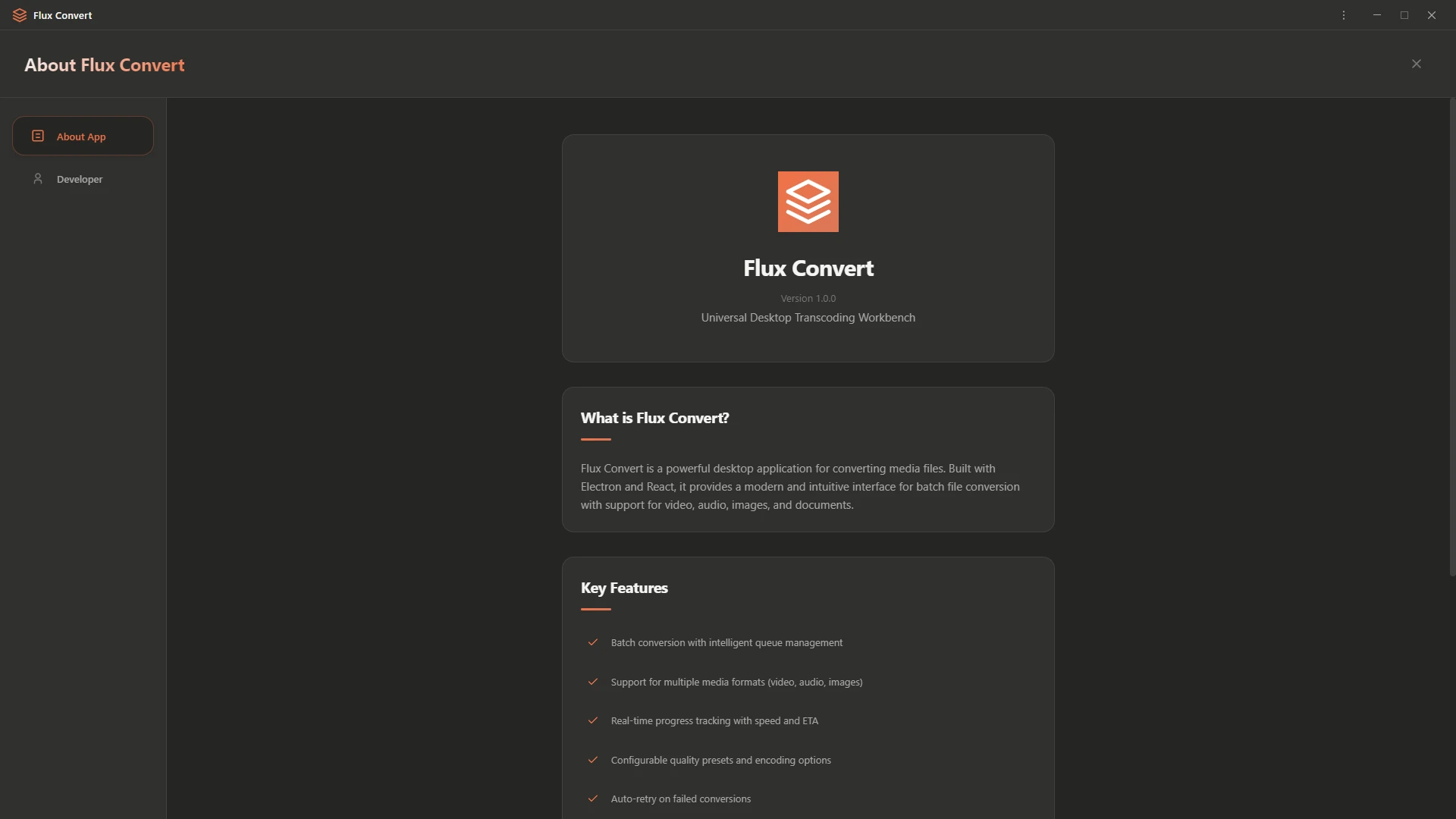
Universal Desktop Transcoding Workbench
Convert video, audio, images, and documents, entirely on your device. No uploads, no servers, no limits.
— Features —
Built Different
Everything you need, nothing you don't.
100% Local
All conversions happen on your machine. Your files never touch any server, ever.
FFmpeg Powered
Industry-standard encoding engine for maximum compatibility and quality output.
Batch Processing
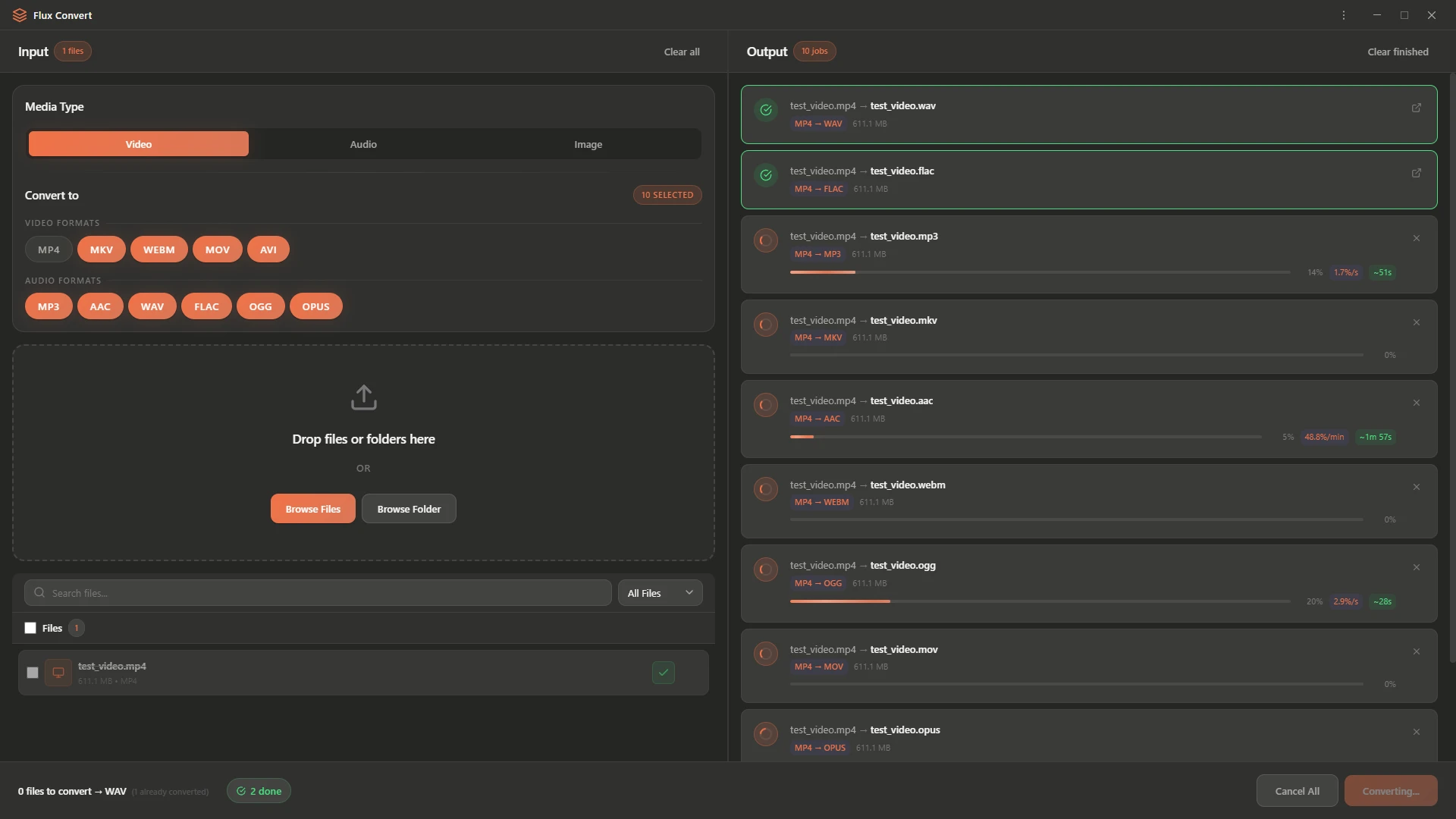
Convert entire folders at once with drag-and-drop and intelligent queue management.
Smart Queue
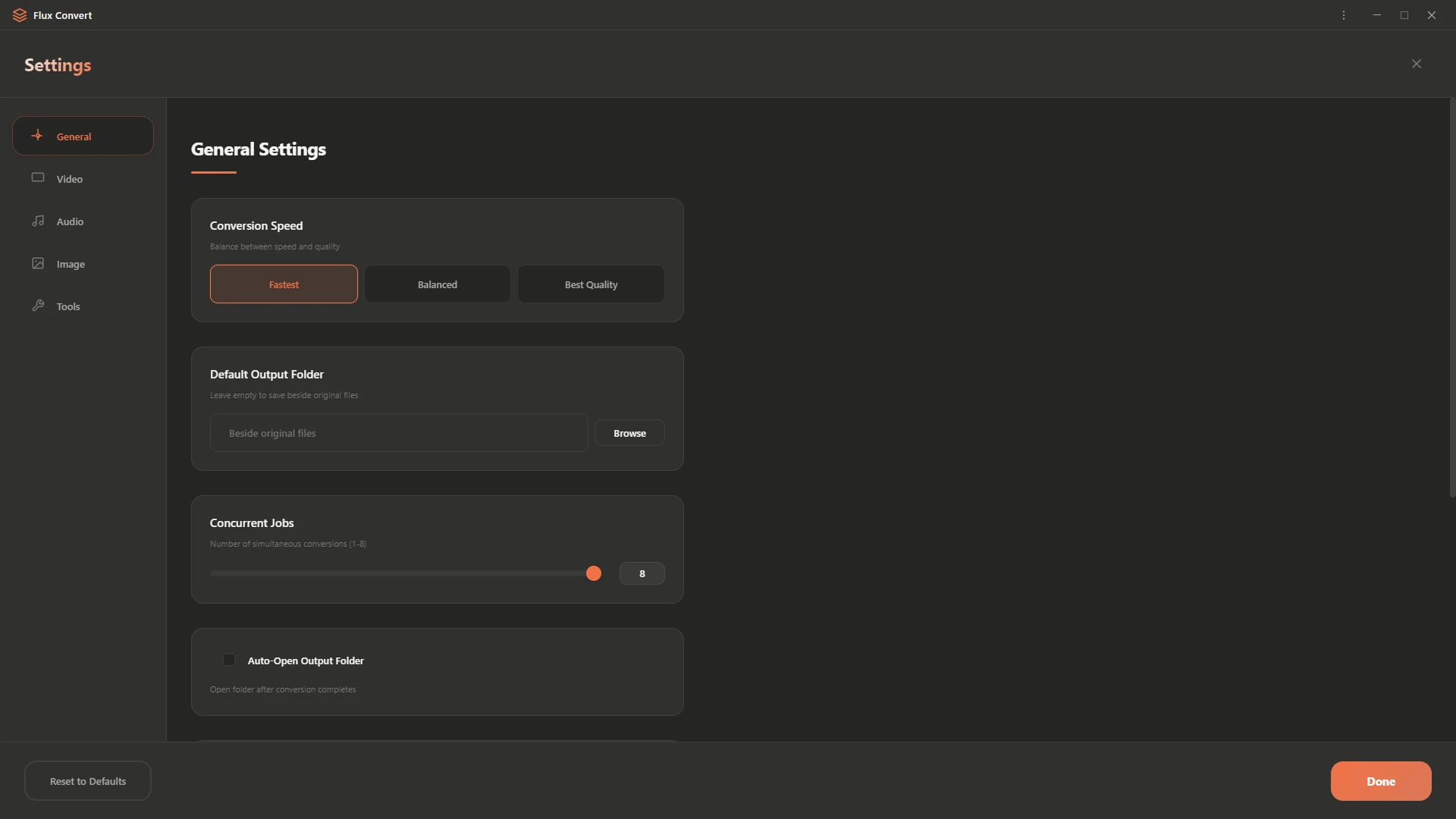
Up to 8 concurrent conversions with automatic retry on failure and real-time progress.
Quality Presets
Choose Fastest, Balanced, or Best Quality, tune encoding to exactly what you need.
Cross-Platform
Native builds for Windows, macOS, and Linux from a single codebase.
— Formats —
Supported Formats
16+ formats across video, audio, image, and documents.
— Screenshots —
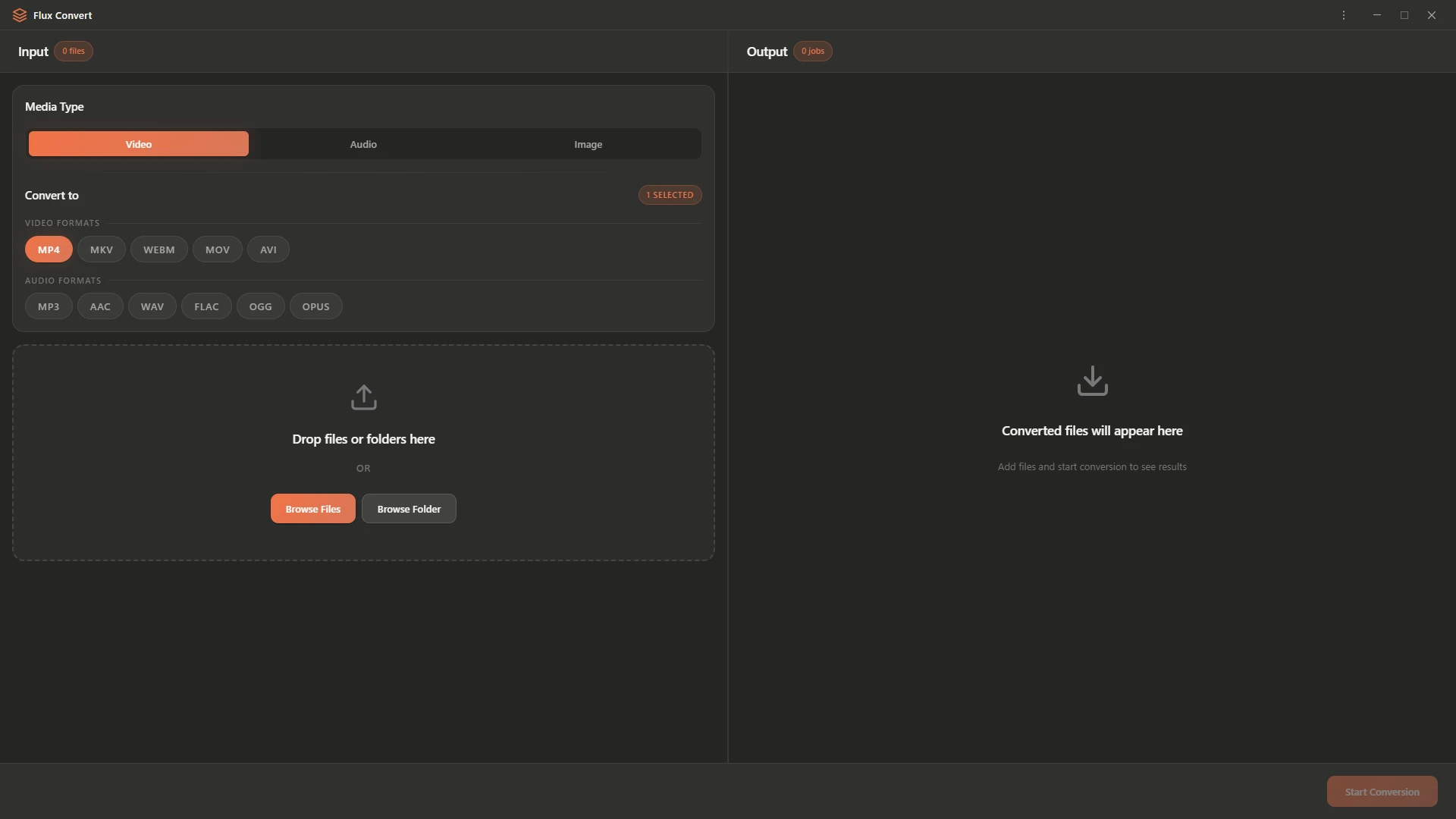
See It In Action
— Process —
How It Works
Drop Your Files
Drag & drop files or entire folders into the input panel. Any format, any size.
Choose a Format
Select your target format from Video, Audio, or Image tabs. Pick a quality preset.
Start Conversion
Hit Start Conversion and watch the queue process in real-time, right on your machine.